The Best Dark Apple Watch Faces That Save Battery
Yes — dark watch faces save battery on Apple Watch: OLED displays only power lit pixels, so black backgrounds draw less energy. Browse true-black faces built for battery life and always-on displays.
Get Dark & OLED Faces Free PRO Abyss Black
  PRO Abyss Blue
 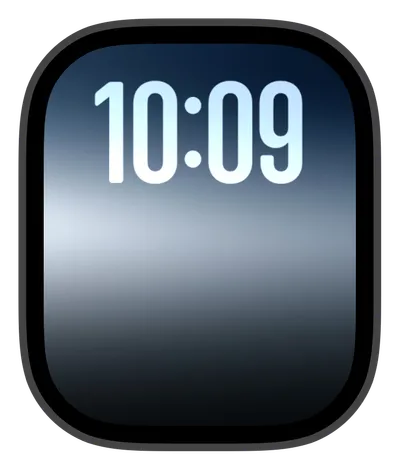 PRO Cool Fade
  PRO Crimson Fire
 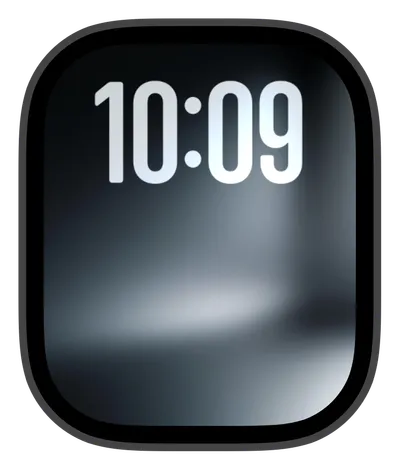 PRO Digital Haze
 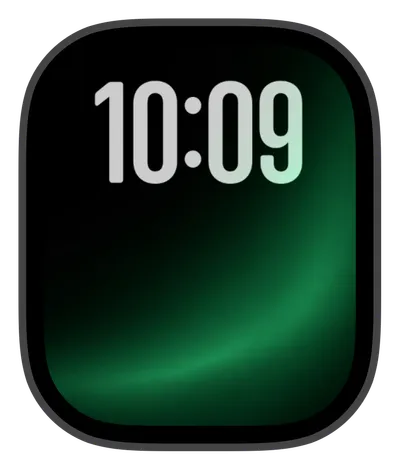 PRO Emerald Sweep
  PRO Forest Glow
 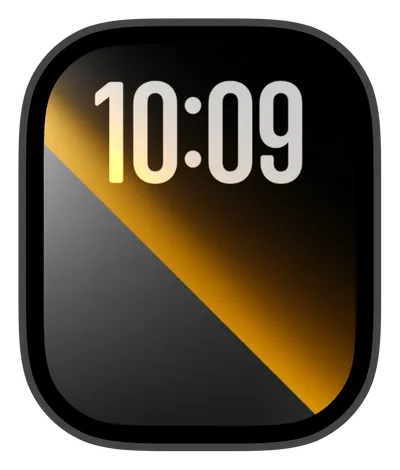 PRO Golden Split
  PRO Soft Fade
 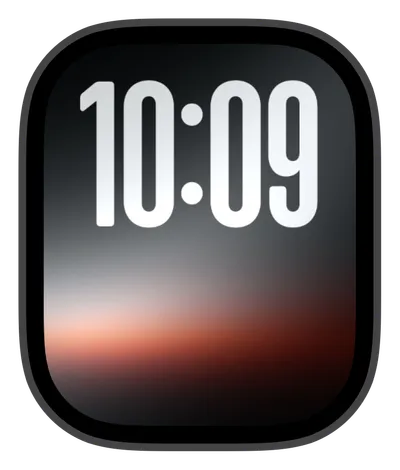 PRO Sunset Eclipse
 10 Dark & OLED faces from the live Watch Lux catalog — new drops land weekly.
Frequently asked
Do black watch faces save battery on Apple Watch?
Yes — Apple Watch uses an OLED display, where pixels only draw power when they're lit, so a mostly-black face like Abyss Black lights far fewer pixels than a bright, full-color design. Watch Lux's Dark & OLED collection — including Cool Fade and Crimson Fire — is built around deep-black backgrounds for exactly this reason: style that works with the display hardware, not against it.
Which watch faces look best with the always-on display?
Dark faces suit the always-on display best. When your Apple Watch dims between wrist raises, deep-black designs like Abyss Black stay natural-looking instead of washing out, and fewer lit OLED pixels means less power spent while the screen idles. Watch Lux's Dark & OLED collection, including Cool Fade and Crimson Fire, is designed specifically around that dimmed, true-black look.
How much battery does a dark watch face actually save?
There's no fixed percentage — real savings depend on your brightness setting, whether always-on is enabled, and how often you check your watch. The principle is physical, though: OLED pixels consume power only when lit, so the darker the face, the fewer pixels drawing power. Watch Lux's Dark & OLED faces maximize true-black coverage to get the most from that effect.